A row of blue gas flames in the dark
PROPANEBook a call

Short-form video formats for apps and games, with examples.

11 formats that work for apps, games and AI tools on TikTok, Reels and Shorts. For each one: what it is, how it is built, what it suits, and real posts you can play.

Updated · 11 formats · 72 examples

How to use this guide

A format is the repeatable shape of a video: who is on screen, what the text says, when the product appears. Most short videos that travel far reuse a shape that has worked before, with a new hook.

Start with the table below and find the formats that fit what your product can show. Then open a format, read how it is built, and watch the examples with one question in mind: what would this look like for us?

Where the same hook appears on two accounts, both are included on purpose. A hook that has already worked is the best brief for the next video.

FormatBest forFace on cameraVoiceEffort to make
Selfie reaction with a text hookProducts that can be said in one sentence, such as dating and social apps, budgeting apps and streaming titles.YesNoLow
AI creator reaction, then the productApps and AI tools where the screen itself is the proof.GeneratedNoLow
Talking headProducts that need explaining or a reason to believe: study tools, language apps, finance and AI tools.YesYesMedium
App demo and screen recordingAny product with a screen worth watching: games, AI tools, editors, planners and trackers.NoOptionalLow
Text-heavy hookProducts tied to a feeling or a confession people recognise: health and cycle tracking, relationships, social and companion apps.OptionalNoLow
SlideshowStories and lists: relationships, wellness, games with characters or worlds, anything a still image can show.NoNoLow
People using it for realGames and anything social or physical, where the fun shows on faces.YesNatural soundMedium
Reaction stacked over the clipAnything with footage people already react to: music, game clips, streams, or a product moment that surprises people.YesNatural soundMedium
The clip playing on a screenTrailers, shows, music videos and games.NoNoLow
Fan edit and interview cutBrands that already have long footage: interviews, podcasts, documentaries, founder talks and gameplay.NoSource audioHigh
Soundtrack and lyric editMusic releases first.NoMusicLow

Selfie reaction with a text hook

What it is
One person, one reaction and one line of text on screen. There is no voice-over: the text carries the idea and the face carries the feeling. A second beat often shows the product. This is often called silent UGC.
How it is built
  1. Open on the face in the middle of the reaction, with the text already on screen.
  2. Hold the shot for three to five seconds so the line can be read twice.
  3. Cut to the product, or let the caption name it.
  4. Stop early. Most of the examples here run under 15 seconds.
What it suits
Products that can be said in one sentence, such as dating and social apps, budgeting apps and streaming titles. It is quick to make, so many hooks can run against each other.
Worth knowing
Write the hook as something a friend would say. The product is the cause of the feeling, not the subject of the sentence.

17 examples

Here Comes J. Edgar

“So the guy who ran the FBI was closeted this whole time and no one thought to tell me there's a show about it”

Floodify sample

Troops and Allies

“I can't WAIT for A Music City Story…”

Floodify sample

Troops and Allies

“TFW the Virginia Woolf movie released everywhere except the US…”

Floodify sample

Xumo

“Season 2 of RISING just came out but someone PLEASE tell me why it's only on Xumo”

Floodify sample

Hammerstone Studios

“Top 3 movies coming out this summer”, a list with the client's title in it.

Floodify sample
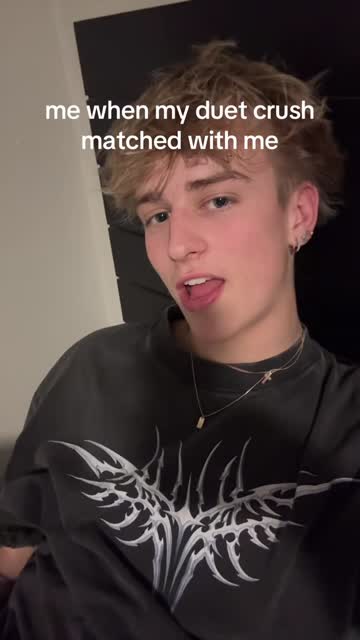
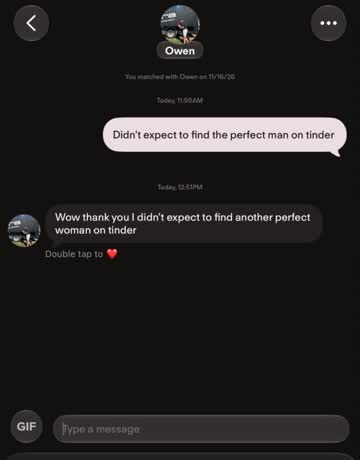
Still from the video: Duet (dating) · @jaxon_varner30

Duet (dating) · @jaxon_varner30

Reaction to matching with a crush.

Public TikTok · 50M viewsOriginal post
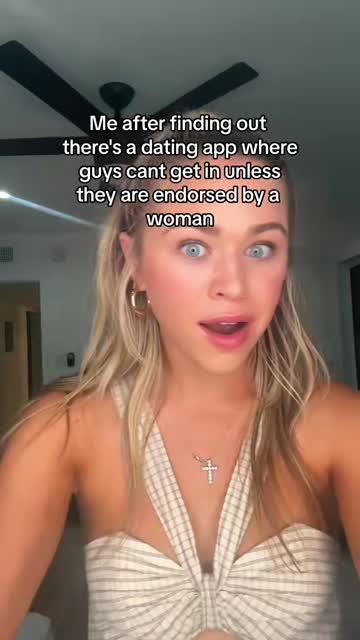
Still from the video: Hulah (dating) · @itsheatherhopkins

Hulah (dating) · @itsheatherhopkins

Reaction with the app's main point in text, then the feature in the app.

Public TikTok · 4.2M viewsOriginal post
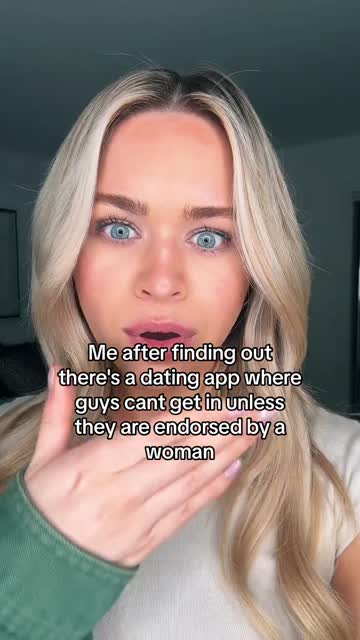
Still from the video: Hulah (dating) · @itsheatherhopkins

Hulah (dating) · @itsheatherhopkins

Stunned face reading how the app works, then the in-app screen.

Public TikTok · 3M viewsOriginal post
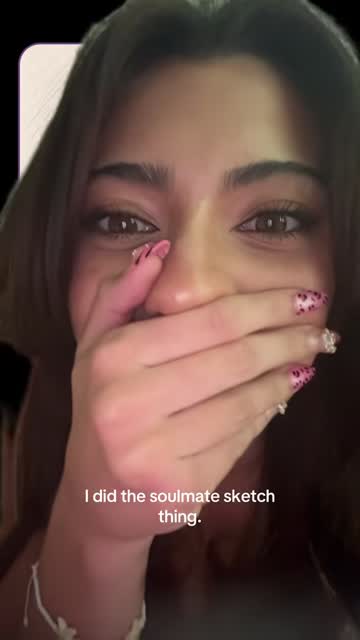
Still from the video: Soulmate sketch app · @marmars_secretstorage

Soulmate sketch app · @marmars_secretstorage

Shock face, then the app's generated sketch.

Public TikTok · 4.5M viewsOriginal post
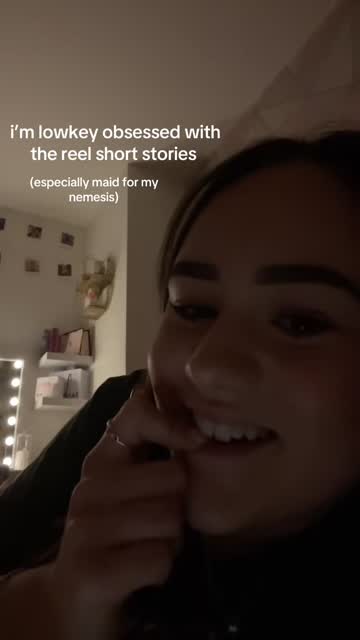
Still from the video: ReelShort · @islaa.westt

ReelShort · @islaa.westt

Reacting in bed to a show named in the text.

Public TikTok · 3.7M viewsOriginal post
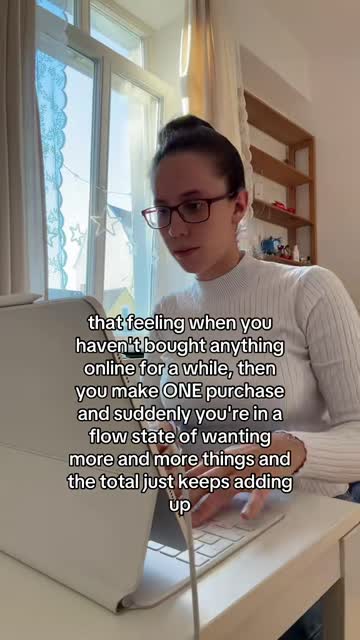
Still from the video: Budget app · @emily.budget2

Budget app · @emily.budget2

Head-shaking reaction, text about breaking a spending freeze.

Public TikTok · 6.6M viewsOriginal post
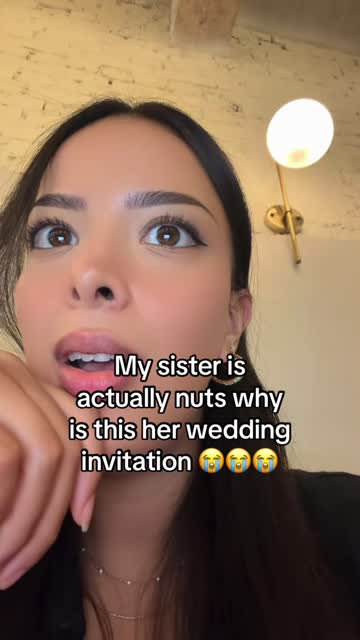
Still from the video: Replit · @kai.clm444

Replit · @kai.clm444

“My sister is actually nuts why is this her wedding invitation”, then the site she built.

Public TikTok · 8.9M viewsOriginal post
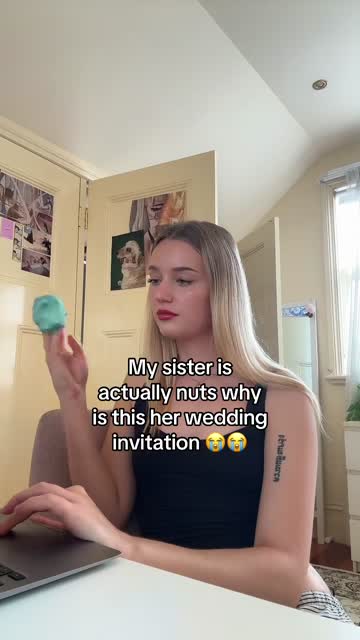
Still from the video: Replit · @creativeinezz

Replit · @creativeinezz

The same hook and structure on a second account. A hook that worked once worked again.

Public TikTok · 7.6M viewsOriginal post
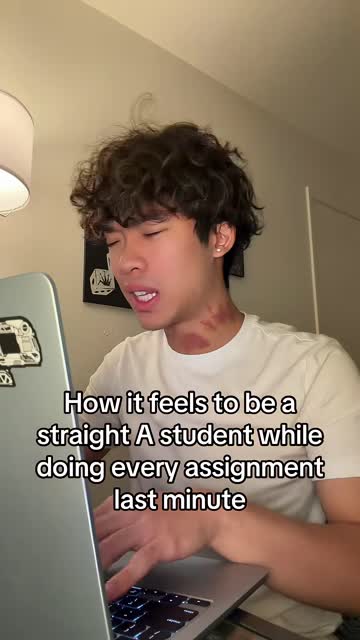
Still from the video: Gauth · @kevinbestudying

Gauth · @kevinbestudying

“How it feels to be a straight A student while doing every assignment last minute”. Five seconds, the app is only in the caption.

Public TikTok · 6M viewsOriginal post
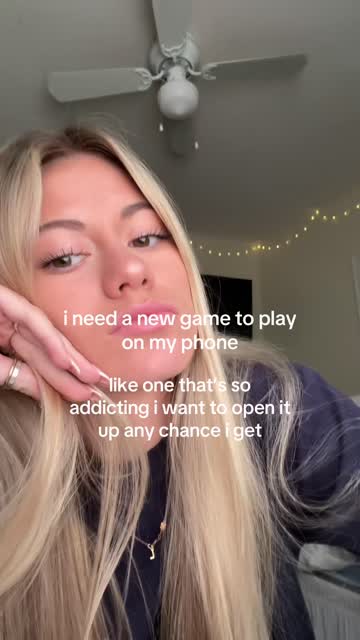
Still from the video: Oasiz (games) · @leahfilt

Oasiz (games) · @leahfilt

“I need a new game to play on my phone”, a question that pulls answers into the comments.

Public TikTok · 5.3M viewsOriginal post
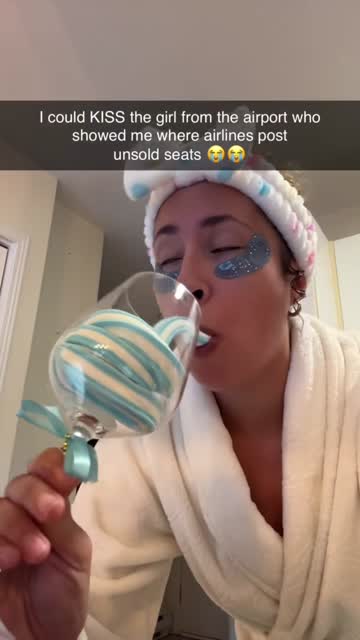
Still from the video: Flight deals site · @travelhackswith.lo

Flight deals site · @travelhackswith.lo

“I could KISS the girl from the airport who showed me where airlines post unsold seats”, then the site.

Public TikTok · 3.1M viewsOriginal post
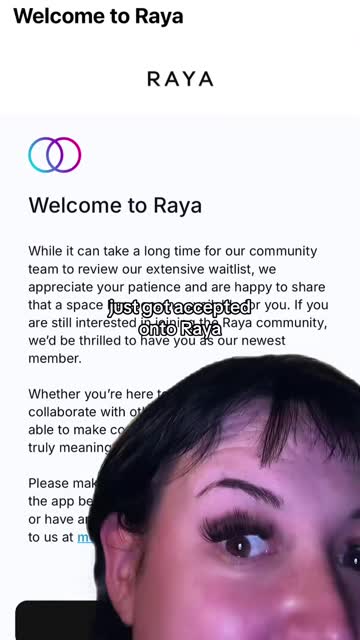
Still from the video: Raya (dating) · @_ells444

Raya (dating) · @_ells444

“Just got accepted onto Raya”, the acceptance screen and a happy reaction.

Public TikTok · 1.2M viewsOriginal post

AI creator reaction, then the product

What it is
A generated creator reacts for two seconds, then a screen recording shows the product. It has the structure of the selfie reaction with nothing to film. The examples are from Yorby, which runs this format for its own product on @autumnluna.creates.
How it is built
  1. Generate a two-second reaction from one consistent creator character.
  2. Burn in a single hook line.
  3. Cut to a screen recording of the product doing one thing.
  4. Make many hook versions of the same video and keep the ones that hold viewers.
What it suits
Apps and AI tools where the screen itself is the proof. It fits teams that want to try many hooks on a product before filming anything.
Worth knowing
Keep the same face across posts so the account reads as one person, and show one action in the product part, not a tour.

7 examples

@autumnluna.creates

“POV: You found the creator's cheat code”

YorbySource

@autumnluna.creates

“I could literally MARRY the creator who showed me this”

Yorby · 11K viewsOriginal post

@autumnluna.creates

“I'm sorry is THIS the new way to market your APP???”

YorbySource

@autumnluna.creates

Wall of viral clips (“Copy URL of any viral video”), then the screen recording.

YorbySource

@autumnluna.creates

A second cut of the one before.

YorbySource

Yorby demo · the original

The viral original: “I'm sorry is THIS the new canva???”

YorbySource

Yorby demo · the remix

The same video remade for another product: one winner, a new version.

YorbySource

Talking head

What it is
A person speaks to the camera: a story, a tip, a tutorial or a small skit. The voice carries the video, and captions repeat the key words for viewers with the sound off.
How it is built
  1. Make the first sentence the hook, spoken and captioned.
  2. Keep to one idea per video.
  3. Put the product on screen while the voice carries on.
  4. End on the result, not on a sign-off.
What it suits
Products that need explaining or a reason to believe: study tools, language apps, finance and AI tools. It builds more trust than a silent clip, and it takes a creator who is comfortable on camera.
Worth knowing
Script the first sentence word for word. Let the rest sound unscripted.

5 examples

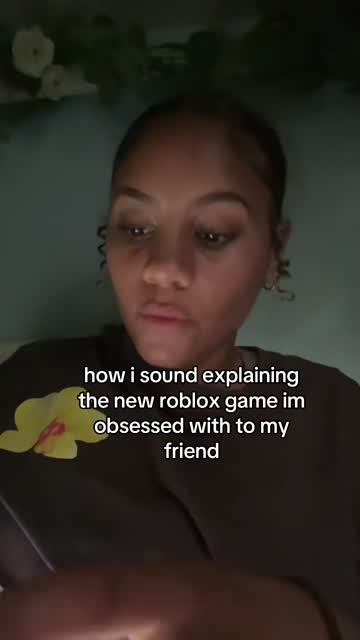
Still from the video: Roblox · @yelenissecretworld

Roblox · @yelenissecretworld

“How I sound explaining the new Roblox game I'm obsessed with to my friend”, a whispered skit.

Public TikTok · 6.3M viewsOriginal post
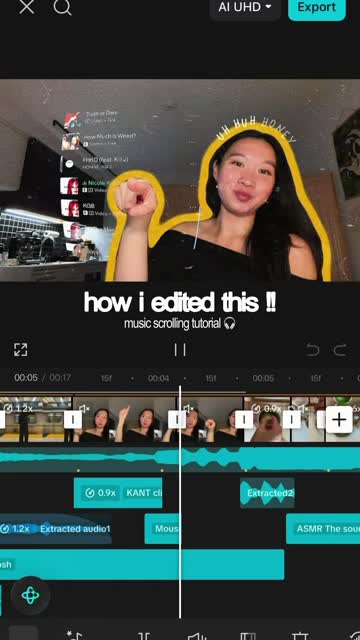
Still from the video: CapCut · @celfstudio

CapCut · @celfstudio

A spoken tutorial: the result first, then each step inside the editor.

Public TikTok · 3.3M viewsOriginal post
Still from the video: Studley AI · @studytipswnicole

Studley AI · @studytipswnicole

A student talks through her study routine and shows the tool on her tablet.

Public TikTok · 2.6M viewsOriginal post
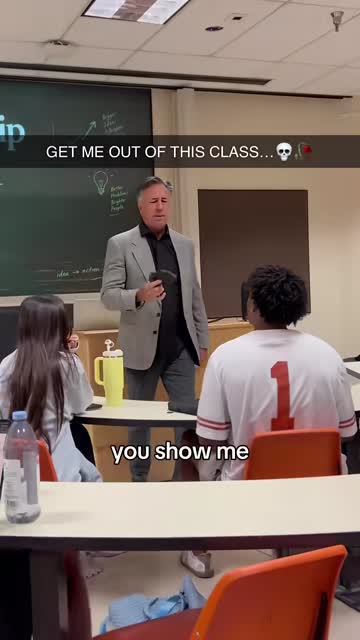
Still from the video: Higgsfield · @createwfemi

Higgsfield · @createwfemi

A classroom story told in voice-over that leads into the product.

Public TikTok · 2.2M viewsOriginal post
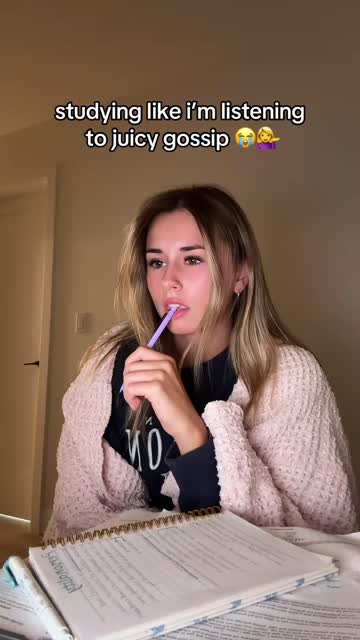
Still from the video: StudyFetch · @studyfetch.kendall

StudyFetch · @studyfetch.kendall

“Studying like I'm listening to juicy gossip”, acted out at her desk, then the tool on her laptop.

Public TikTok · 1.8M viewsOriginal post

App demo and screen recording

What it is
The product is the picture. A screen recording, or a phone filmed over the shoulder, shows one thing the product does, with a line of text that gives a reason to watch. Split screen is a variant: a creator on one half, the product working on the other.
How it is built
  1. Start on the most surprising screen, not the home screen.
  2. Add one line of text that gives a reason to watch.
  3. Show one action from start to result.
  4. Add a trending sound or a plain voice-over.
What it suits
Any product with a screen worth watching: games, AI tools, editors, planners and trackers. It is the cheapest format to make in volume, because it needs no face and no filming.
Worth knowing
Crop out status bars and zoom in on the detail that matters. A phone screen is small inside a phone screen.

9 examples

Still from the video: Party game app · @evi2sexyy

Party game app · @evi2sexyy

A lip-sync to a trending sound, then the in-app prompts. “I found the best party game app so you don't have to.”

Public TikTok · 26.7M viewsOriginal post
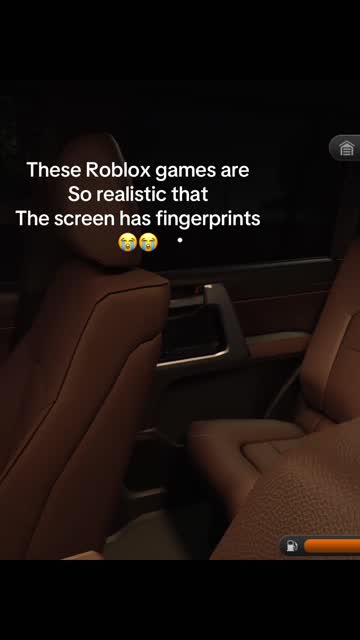
Still from the video: Roblox · @carlov3r13

Roblox · @carlov3r13

Eight seconds of gameplay with one claim: “These Roblox games are so realistic that the screen has fingerprints.”

Public TikTok · 18.3M viewsOriginal post
Still from the video: Pingo AI · @russianpatrol

Pingo AI · @russianpatrol

Creator on one half, the app answering on the other.

Public TikTok · 16M viewsOriginal post
Still from the video: Menace AI · @reese.pranks

Menace AI · @reese.pranks

Makes an image in the app, then a screen recording of the text prank it sets up.

Public TikTok · 11.4M viewsOriginal post
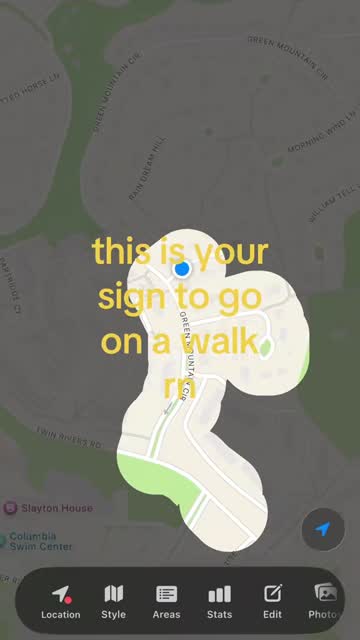
Still from the video: Walking tracker · @been.to.app

Walking tracker · @been.to.app

A plain screen recording of the app, with a text callout.

Public TikTok · 7.9M viewsOriginal post
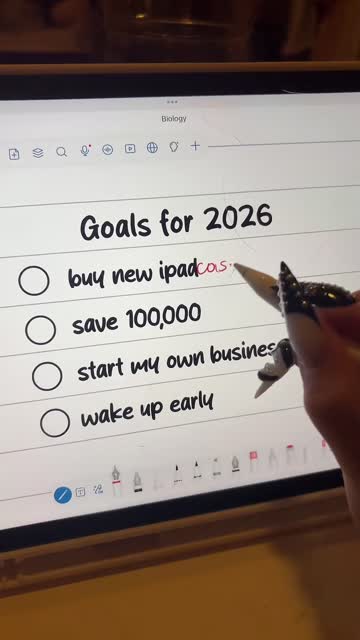
Still from the video: Freenotes · @studyvlogandnotes

Freenotes · @studyvlogandnotes

Handwriting “Goals for 2026” in the notes app, filmed over the shoulder.

Public TikTok · 5.3M viewsOriginal post
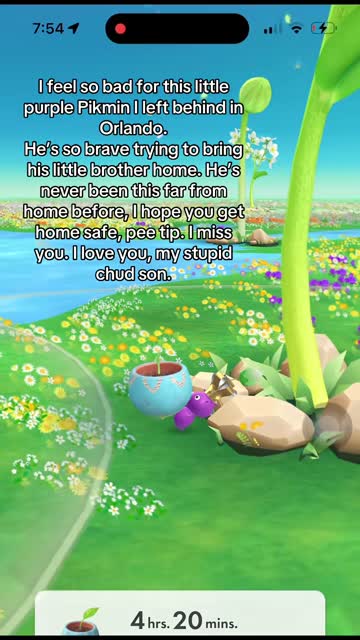
Still from the video: Pikmin Bloom · @h4lo_0f_the_0c34n

Pikmin Bloom · @h4lo_0f_the_0c34n

A screen recording turned into a small drama about one character left behind.

Public TikTok · 3.8M viewsOriginal post
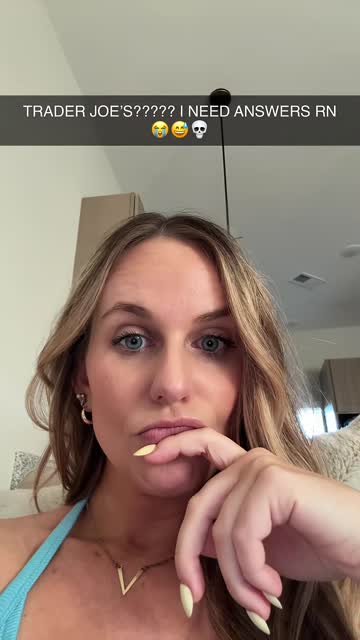
Still from the video: NeatEat · @simply.mealplan

NeatEat · @simply.mealplan

“TRADER JOE'S????? I NEED ANSWERS RN” over a walk through the meal plan.

Public TikTok · 3.6M viewsOriginal post
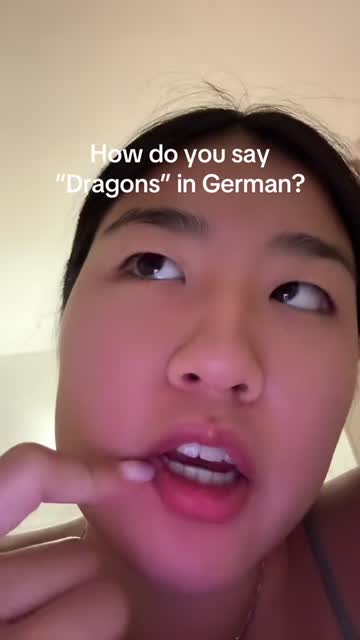
Still from the video: HelloTalk · @mercy_german

HelloTalk · @mercy_german

“Why is Deutsch so hard”, a finger tracing the text as the app reads it.

Public TikTok · 1.7M viewsOriginal post

Text-heavy hook

What it is
A paragraph of text over a simple shot: a face, a drink, a borrowed clip. The viewer stops to read, and the reading time counts as watch time. The text stops just before the payoff, which sits in the caption, the comments or the next beat.
How it is built
  1. Film a simple shot that can loop: sipping a drink, fixing hair, looking away.
  2. Write the text in the first person, as a confession or a question.
  3. Stop before the answer.
  4. Name the product in the caption or a pinned comment.
What it suits
Products tied to a feeling or a confession people recognise: health and cycle tracking, relationships, social and companion apps. It needs a writer more than a camera.
Worth knowing
The text has to be true for the audience. A paragraph that reads like an advert gets scrolled past.

5 examples

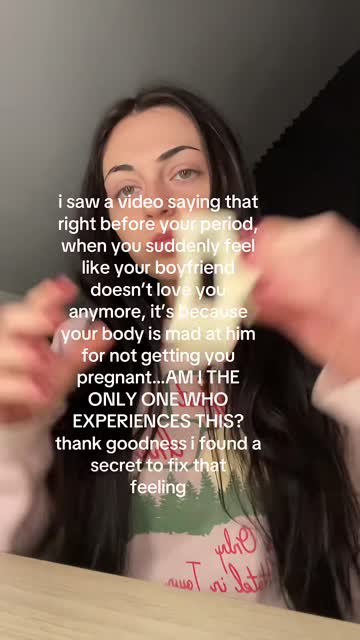
Still from the video: Musa (cycle tracking) · @trinity.cyclesync

Musa (cycle tracking) · @trinity.cyclesync

A long confession over a selfie; the app is named only in the caption.

Public TikTok · 3.1M viewsOriginal post
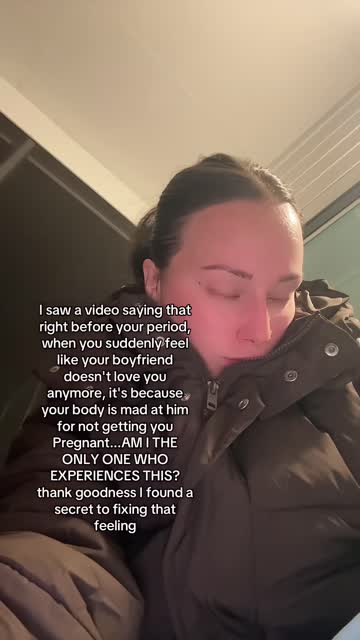
Still from the video: Musa (cycle tracking) · @kyes.cycletips

Musa (cycle tracking) · @kyes.cycletips

The same text on another account, with a different face and room.

Public TikTok · 2M viewsOriginal post
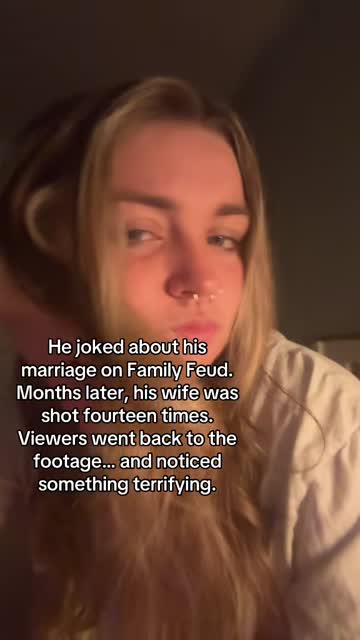
Still from the video: Story hook · @b_bublss

Story hook · @b_bublss

A face and three sentences that stop before the payoff.

Public TikTok · 2.2M viewsOriginal post
Still from the video: Yubo (social) · @ashley.yubo

Yubo (social) · @ashley.yubo

Gossip text on screen, then the switch to the app.

Public TikTok · 183K viewsOriginal post
Still from the video: Character.AI · @shionjoo

Character.AI · @shionjoo

“Me reading my c.ai chats from last night” over a borrowed clip.

Public TikTok · 1.5M viewsOriginal post

Slideshow

What it is
A photo post the viewer swipes through, usually four to eight slides with a line of text on each. The first slide is the hook, the middle slides tell a story or a list, and the product appears on a later slide as part of the story.
How it is built
  1. Open with a slide that raises a question.
  2. Use one line per slide, for four to eight slides.
  3. Bring the product in on slide three or later, as part of the story.
  4. Pick a sound that matches the mood.
What it suits
Stories and lists: relationships, wellness, games with characters or worlds, anything a still image can show. Each swipe counts as engagement, and no video editing is needed.
Worth knowing
A slide template can be reused with new text, which makes this the easiest format to run as a series.

6 examples

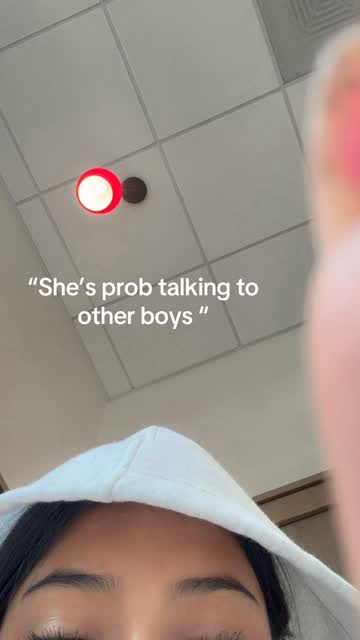
First slide: Toca Life World · @.deliciouscakepop

Toca Life World · @.deliciouscakepop

“She's prob talking to other boys”, then “what I've been doing for the last 2 hours”: the game.

Public TikTok · 6.6M viewsOriginal post
Still from the video: Roblox · @_vanillaperfume

Roblox · @_vanillaperfume

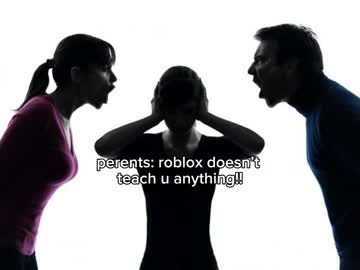
“Parents: Roblox doesn't teach u anything!!”, then one slide per game and what it teaches.

Public TikTok · 5.9M viewsOriginal post
First slide: Breakup recovery · @krissy.single.era

Breakup recovery · @krissy.single.era

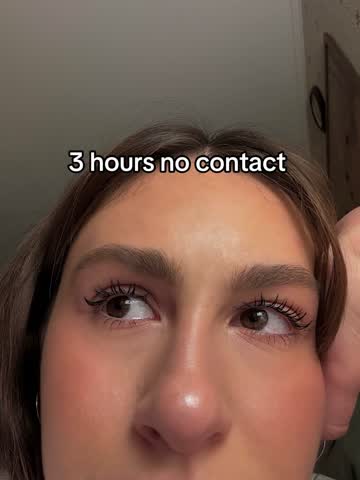
“3 hours no contact”, “1 week no contact”: the same face over time.

Public TikTok · 2.1M viewsOriginal post
First slide: Finch (self care) · @wellnesswithgemma

Finch (self care) · @wellnesswithgemma

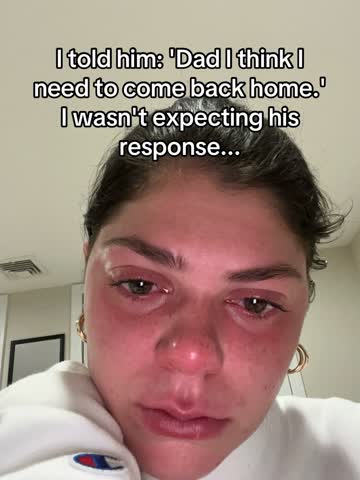
“I told him: Dad I think I need to come back home”, then his reply on a lock screen beside the app's notification.

Public TikTok · 1.5M viewsOriginal post
First slide: Relationships · @drearygh0st

Relationships · @drearygh0st

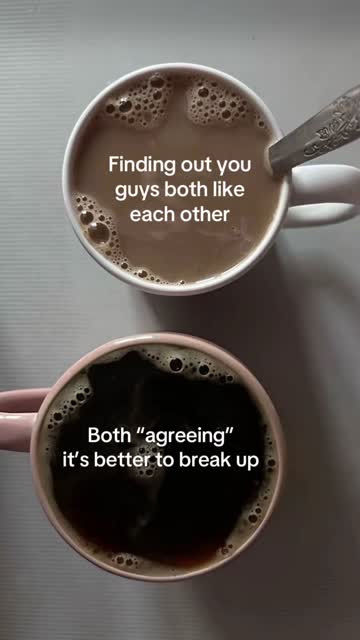
Coffee cups labelled with moments, from “the first I love you” to the last.

Public TikTok · 1.4M viewsOriginal post
First slide: Dating · @dating.advice67

Dating · @dating.advice67

One message sent to every match, then the list of replies.

Public TikTok · 1M viewsOriginal post

People using it for real

What it is
Unpolished footage of people in the middle of using the product: a party round, a family game, a workout in the living room. Nobody presents anything. The reactions are the content, and a line of text sets the scene.
How it is built
  1. Film a real session and keep the camera running.
  2. Pick the loudest ten to twenty seconds.
  3. Add one line of text that sets the scene.
  4. Keep the product in frame: the phone, the TV, the cards.
What it suits
Games and anything social or physical, where the fun shows on faces. Party games, fitness and dance, TV and console games.
Worth knowing
Do not tidy it up. Mess, noise and bad lighting are what make it read as real.

6 examples

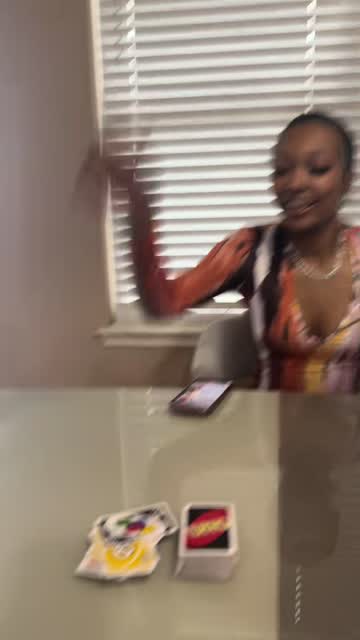
Still from the video: UNO · @realjlew

UNO · @realjlew

“Who knew UNO could get this serious.” Two players, quick cuts, rising stakes.

Public TikTok · 10.4M viewsOriginal post
Still from the video: Party game app · @laliasolana

Party game app · @laliasolana

A whole party guessing, filmed through the app's own camera.

Public TikTok · 10.3M viewsOriginal post
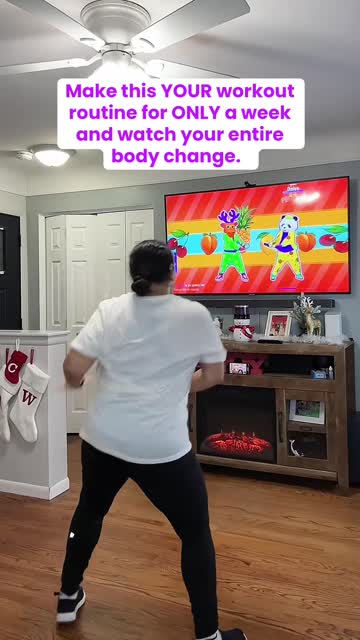
Still from the video: Just Dance · @justdeemaria

Just Dance · @justdeemaria

“Make this YOUR workout routine for ONLY a week”, dancing in the living room.

Public TikTok · 9M viewsOriginal post
Still from the video: Immersive Workout · @sam_trains12

Immersive Workout · @sam_trains12

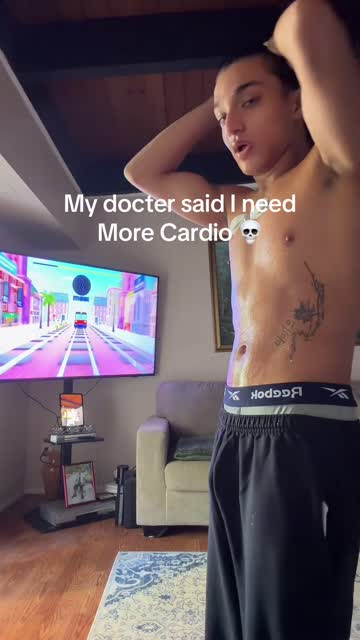
“My doctor said I need more cardio”, running on the spot to a game on the TV.

Public TikTok · 7.6M viewsOriginal post
Still from the video: Heads Up · @oghudson2222

Heads Up · @oghudson2222

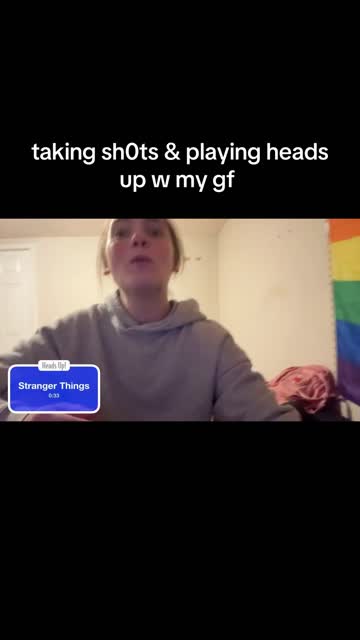
“Playing Heads Up with my gf”, the app's own recording of each guess.

Public TikTok · 5.6M viewsOriginal post
Still from the video: Weekend (TV games) · @weekendwithjess

Weekend (TV games) · @weekendwithjess

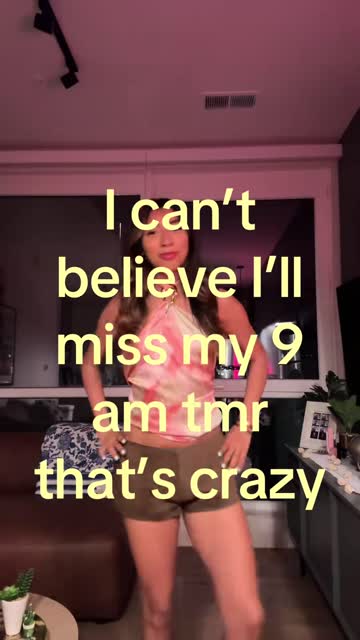
“I can't believe I'll miss my 9 am tmr”, then Jeopardy on the smart TV.

Public TikTok · 5.4M viewsOriginal post

Reaction stacked over the clip

What it is
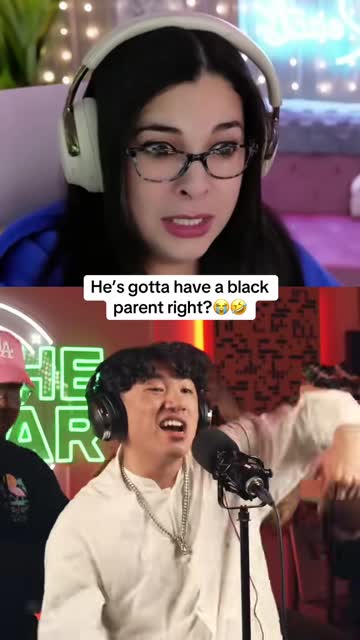
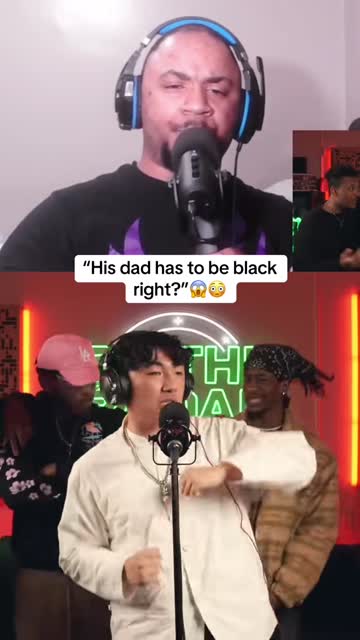
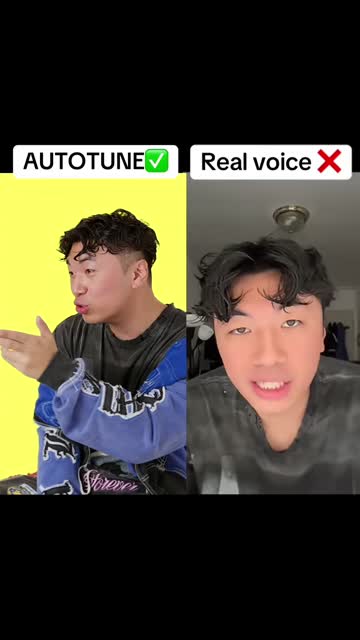
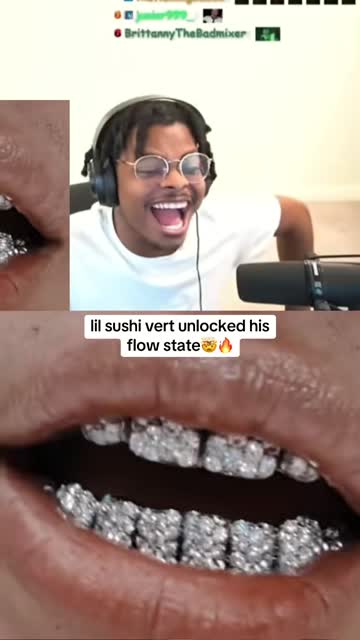
A reaction on the top half and the original clip underneath. The viewer watches someone else enjoy the clip while seeing it themselves. The examples are from @khanscookout, a fan page for the artist Khantrast.
How it is built
  1. Pick a clip that already gets reactions.
  2. Place a reactor on the top half: a streamer, a creator or a fan.
  3. Caption the funniest line.
  4. Run the same clip with many different reactors.
What it suits
Anything with footage people already react to: music, game clips, streams, or a product moment that surprises people.
Worth knowing
Use real reactions to this exact clip, and only footage you have the right to use.

6 examples

Still from the video: @khanscookout

@khanscookout

“The pause on that Bu bu buggin”

Public TikTok · 4.7M viewsOriginal post
Still from the video: @khanscookout

@khanscookout

“Said it with his chest too”

Public TikTok · 3.1M viewsOriginal post
Still from the video: @khanscookout

@khanscookout

“Who let bro steal the black VPN?”

Public TikTok · 2.4M viewsOriginal post
Still from the video: @khanscookout

@khanscookout

“Bu bu buggin'”

Public TikTok · 1.7M viewsOriginal post
Still from the video: @khanscookout

@khanscookout

“They actually bodied the She Buggin' dance”

Public TikTok · 1.3M viewsOriginal post
Still from the video: @khanscookout

@khanscookout

“Lil Sushi Vert might be giving Eminem a run for his money”

Public TikTok · 1.1M viewsOriginal post

The clip playing on a screen

What it is
A clip playing on a TV, laptop or tablet in a dim room, filmed like a casual post, with one line of text.
How it is built
  1. Play the clip on a TV or laptop in a dim room.
  2. Film it handheld from where a viewer would sit.
  3. Add one line of text, written like a message to a friend.
  4. Keep it to seven to ten seconds and cut at the peak.
What it suits
Trailers, shows, music videos and games. Filming the screen makes polished footage feel like one person's own find.
Worth knowing
The room matters as much as the clip. A bed, a couch or a desk tells the viewer who is watching.

6 examples

Hammerstone Studios

“So you're telling me Mark Wahlberg is back AND it's giving Departed”

Floodify sample

Here Comes J. Edgar

“I can't believe they made this guy gay in the London musical”

Floodify sample

Here Comes J. Edgar

“This is London theater's take on masculine FBI director in the 1900's”

Floodify sample

Xumo

A show on a MacBook: “rising Ws hit different”. First 45 seconds.

Floodify sample

Mawari

Music video on a laptop: “when you can't even trick your own brain with it's fine anymore”

Floodify sample
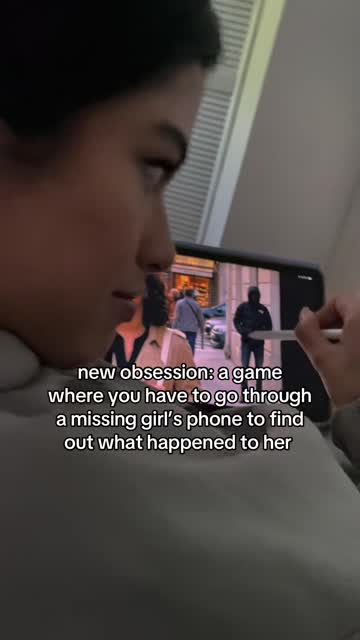
Still from the video: Cold Trace (game) · @cristixgames

Cold Trace (game) · @cristixgames

“New obsession: a game where you go through a missing girl's phone”, played on a tablet and projected on the wall.

Public TikTok · 15M viewsOriginal post

Fan edit and interview cut

What it is
Fast cuts of existing footage with word-by-word captions, in the style fans use for people and shows they love.
How it is built
  1. Choose the strongest 20 to 40 seconds from long footage.
  2. Open with the best line, not the first one.
  3. Cut on the beat or on the end of a sentence.
  4. Add word-by-word captions.
What it suits
Brands that already have long footage: interviews, podcasts, documentaries, founder talks and gameplay.
Worth knowing
Edit like a fan, not like a brand: no logo at the start, no end card.

3 examples

Hammerstone Studios

Mark Wahlberg interview cut with word-by-word captions.

Floodify sample

Xumo

Fan edit of a NASCAR documentary.

Floodify sample

Troops and Allies

Reflective vlog-style edit with a long text caption.

Floodify sample

Soundtrack and lyric edit

What it is
A song over calm visuals with one line of text that names the feeling.
How it is built
  1. Pick the part of the song that names a feeling.
  2. Use calm visuals that loop.
  3. Add one line of text, such as “this song is the soundtrack to…”.
  4. Post the same sound from many accounts so the posts collect under it.
What it suits
Music releases first. It also fits games and products that sell a mood more than a feature.
Worth knowing
The text line does the selling. The same clip with a sharper line is a new video.

2 examples

Hammerstone Studios

“The soundtrack for slime is just…” over anime visuals.

Floodify sample

Mawari

“This song is the soundtrack to my overthinking”

Floodify sample

Common questions

What is silent UGC?

Silent UGC is a short video with a person on camera and no speech. A line of text on screen carries the idea and the person's reaction carries the feeling. The selfie reaction in this guide is the most common form. In Handler's public library of 6,391 scored app posts, silent UGC was the largest format at 33 percent on 24 November 2026.

Which short-form video format works best for an app or a game?

There is no single best format. Pick by what the product has to show. If the screen is the proof, use an app demo. If the product stands for a feeling, use a selfie reaction, a text-heavy hook or a slideshow. If it needs explaining, use a talking head. If people have fun with it together, film them using it. The table at the top of this page lists what each format needs.

How long should a TikTok or Reel for an app be?

Short. Most reaction, demo and text formats in this guide run between 5 and 25 seconds. Talking heads and tutorials run longer, from 30 to about 90 seconds, because the voice gives a reason to stay.

Do I need to show a face?

No. App demos, slideshows, clips filmed on a screen, fan edits and soundtrack edits need no face. A face helps most in formats built on a reaction.

What makes a good hook?

A good hook is one line that makes a specific viewer stop: a confession, a surprise or a question they want answered. In the examples here the hook is on screen from the first frame, it is written the way a friend would say it, and the product is the cause of the feeling, not the subject of the sentence.

Can a format or a hook that worked be used again?

Yes, and this guide has two cases. The line “My sister is actually nuts why is this her wedding invitation” ran on two accounts for Replit and passed 7 million views on each. The same paragraph about cycle tracking ran on two accounts for Musa and passed 2 million views on each. A hook that has worked once is the safest starting point for the next video.

Do these formats work on Instagram Reels and YouTube Shorts?

The formats are not tied to one platform. All are vertical and short, so the same video can be posted to TikTok, Reels and Shorts. Most examples here are TikTok posts, and the Yorby examples run on Instagram.

Building is easy now. Distribution is the hard part.

Ads taught us to scale winners and cut losers. In organic, every post is still treated as a one-time bet, and even a post that does well is gone within about 48 hours.

Propane runs organic the way paid is run. We put the volume behind the posts that have already won, for games, consumer apps and AI tools.

  1. Identify winners

    We find your highest-performing posts, the ones with proven engagement.

  2. Remake them

    Each winner becomes new versions in formats like the ones on this page. Each one reads as a new post.

  3. Scale organically

    We publish every day across pages that are yours to keep, and move the volume to whatever wins next.

You do nothing: we research your content and run everything, and our team reviews every version before it goes out. Pricing is per video and per 1,000 views, inside a budget agreed up front.

Propane is a Floodify distribution partner, trained in the methods behind high-volume distribution for record labels, film studios and consumer apps.

You have winners. Let's scale them.

On a call we show which of your posts we would scale first.

Book a call